Compared
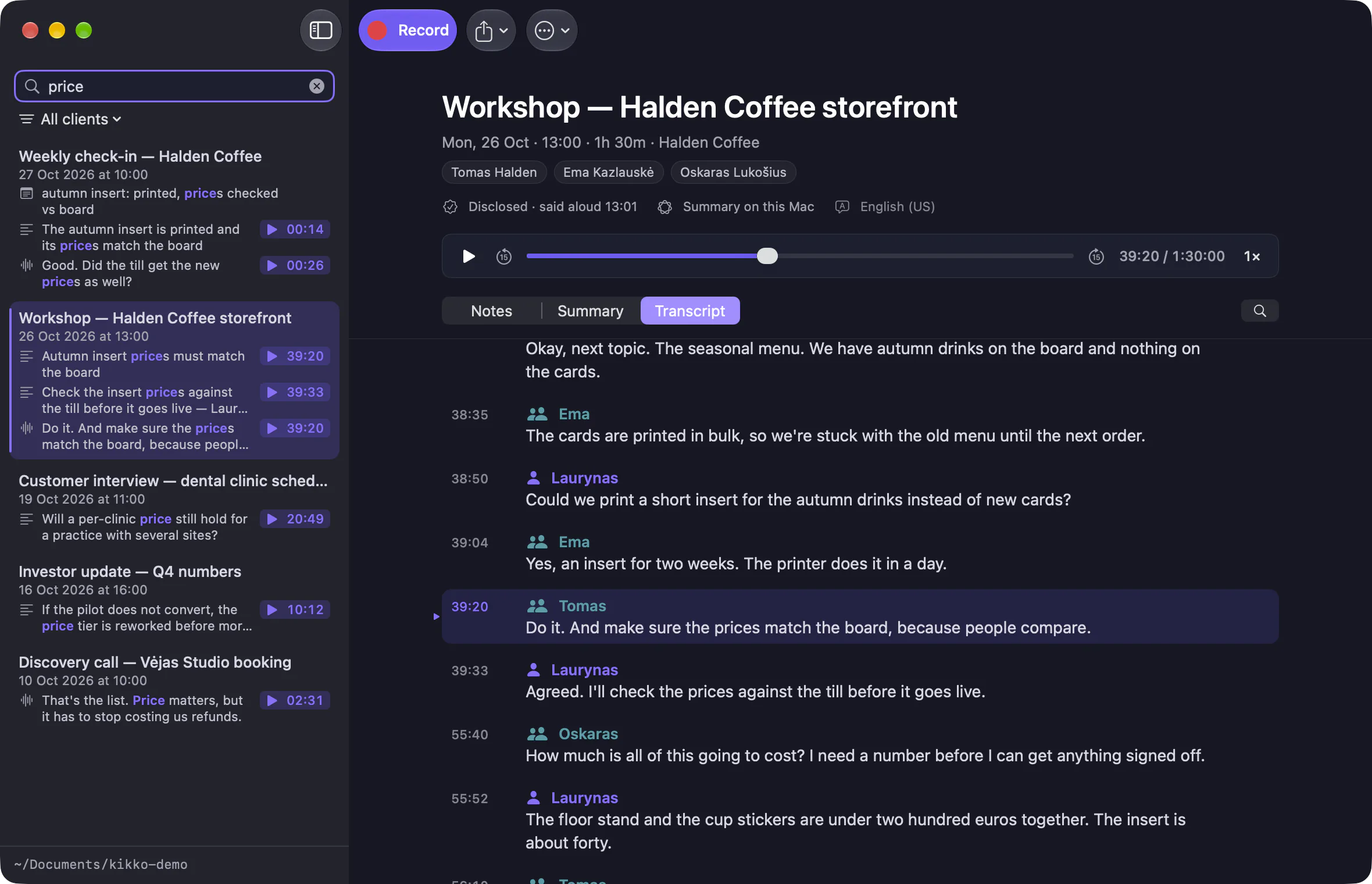
A Granola alternative that keeps your meetings on your Mac.
Granola is good at what it does. Kikko is for people who want the same kind of notes without an account, without a monthly bill, and without their calls leaving the Mac.
to the Mac App StoreComing soon
Free to download at launch. Record and transcribe as many meetings as you like. Summaries free for your first five. Needs an Apple silicon Mac with macOS 26.

Side by side
As of 1 November 2026, from Granola’s own pricing and security pages. granola.ai/pricing · granola.ai/security
| Feature | Kikko | Granola |
|---|---|---|
| Bot joins the call | Kikko:No | Granola:No |
| Where transcription runs | Kikko:On your Mac, with Apple’s speech recognition | Granola:In the cloud, through transcription providers |
| Where summaries are made | Kikko:On your Mac with Apple Intelligence, or with your own cloud key | Granola:In the cloud, through AI providers |
| Where your notes live | Kikko:Markdown files in a folder you choose | Granola:Granola’s servers (AWS, US), cached on your device |
| The audio | Kikko:Kept next to the notes, as an .m4a file | Granola:Not kept |
| Account | Kikko:None | Granola:Required |
| Price for one person | Kikko:Free to record, with summaries for your first five meetings; €44.99 once, or €4.99 a month, for every meeting | Granola:Free with 30 days of history; $14 a month for unlimited history |
| Telling the others | Kikko:A line to paste, and a record of how and when | Granola:An automated message at the start of the meeting |
| Apps | Kikko:Mac (Apple silicon, macOS 26) | Granola:Mac, Windows, iPhone, Android, Apple Watch |
| Team features | Kikko:None: one person, one Mac | Granola:Shared folders, integrations, admin controls |
Choose Granola if…
- Your team shares notes and folders, or you need integrations with a CRM.
- You work on Windows, or take notes on your phone.
- You’re fine with an account and with your meetings processed in the cloud.
Choose Kikko if…
- Your calls are confidential and shouldn’t leave your Mac.
- You want plain files you own, in Obsidian or any folder.
- You’d rather pay once than every month, or record for free.
- You want the audio kept, so every summary line plays back from its moment.
What you give up.
To be straight about it: Granola has team features, shared folders, integrations and apps for Windows, iPhone and Android. Kikko has none of those. It doesn’t transcribe languages Apple’s on-device recognition doesn’t support yet (it records them, and you can transcribe later), and it needs an Apple silicon Mac with macOS 26.
Moving over.
There’s nothing to import. Install Kikko, choose a folder (your Obsidian vault works), and press ⌥⇧R in your next call. Your Granola notes can stay where they are.
Granola is a trademark of its owner; this page isn’t affiliated with it. Something out of date? Write to hello@kikkonotes.com. See also Kikko’s pricing and privacy policy.